
Caffeine
Caffeine is a tiny free Windows utility from Zhorn Software that keeps your computer awake and stops the screen from locking or sleeping.
306.0 KB

Custom Resolution Utility (CRU) is a tiny free Windows tool by ToastyX for adding custom resolutions and refresh rates to monitors.
Average 0.0 · ratings: 0
Thank you! Your rating is saved; you can change it. Could not save the rating. Please try again later. Too many ratings from your network today. Please try again tomorrow. The average appears after 5 ratings.
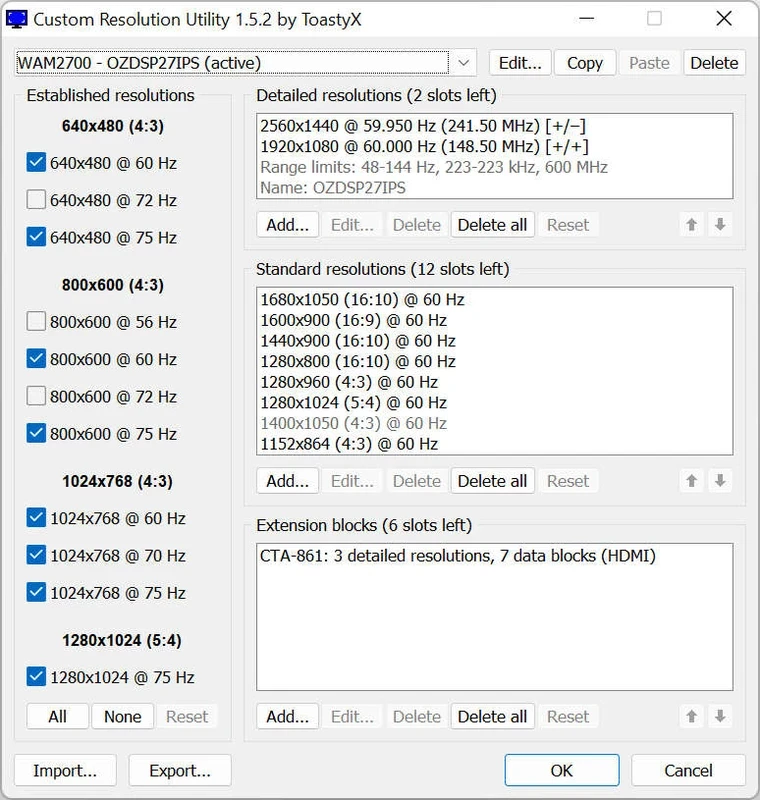
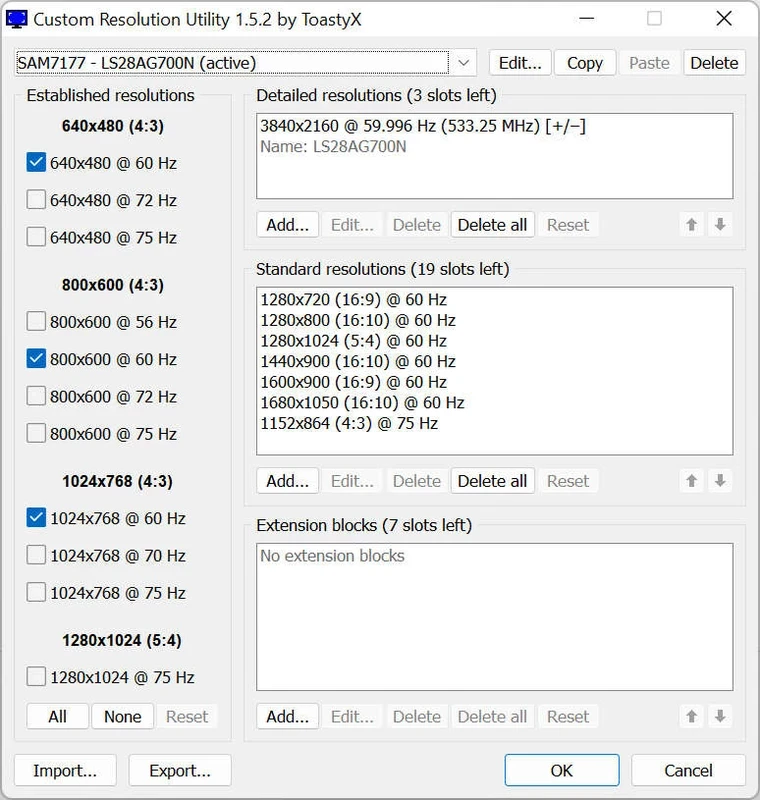
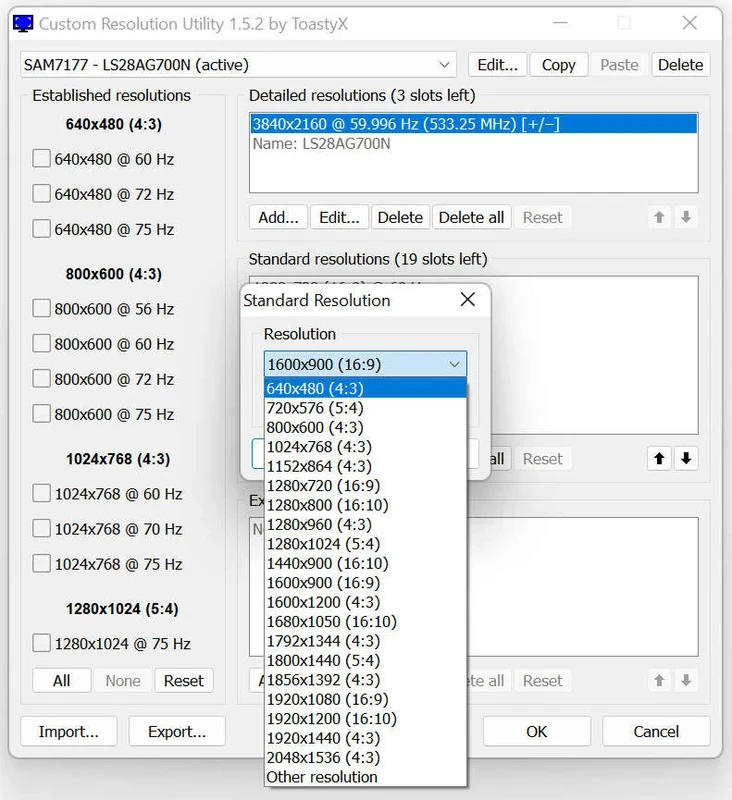
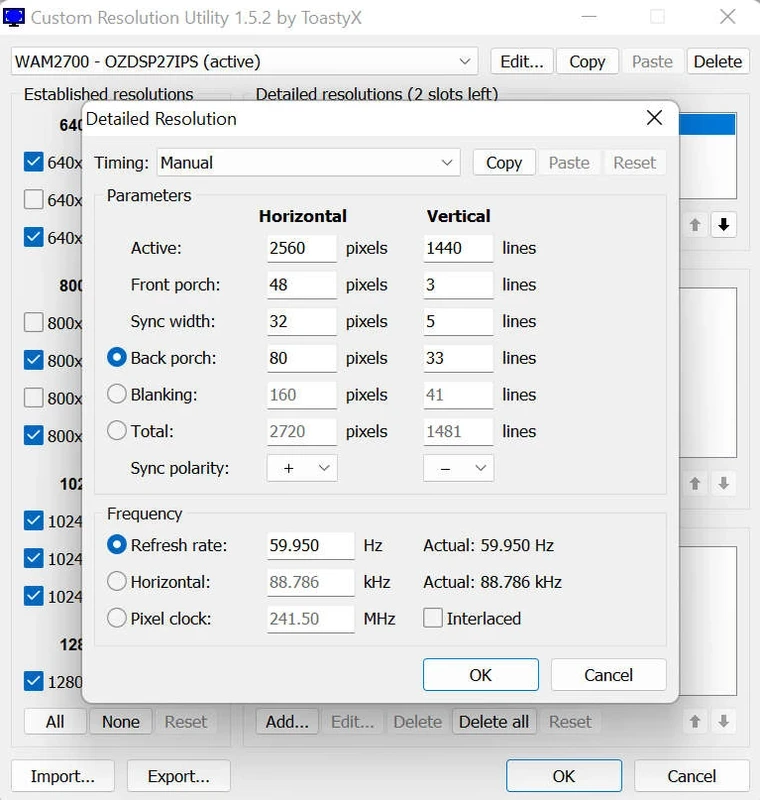
Custom Resolution Utility (CRU) 1.5.3 is a tiny free Windows tool by ToastyX for adding custom resolutions and refresh rates to a monitor. It edits the display information that Windows reads from the monitor, so you can use modes that the monitor supports but does not advertise, or fix incorrect ones. You can download Custom Resolution Utility (CRU) for Windows from the author's thread on monitortests.com.
Every monitor tells the computer which resolutions and refresh rates it supports, using a block of data called EDID. Sometimes that information is incomplete or wrong: a monitor might handle a slightly higher refresh rate than it lists, a TV connected to a PC may default to an awkward resolution, or an adapter or dock may pass on incorrect data. CRU lets you add or edit these modes in a way the graphics driver respects. Gamers use it to try a modest overclock of the refresh rate, people with TVs use it to get the right resolution and scaling, and users of variable refresh rate displays adjust the supported range. The changes live in Windows, not in the monitor, so they can be undone. Still, sending a mode the monitor cannot handle leads to a black screen until you revert it, so work carefully.
For timer and latency tweaks, our listings include Timer Resolution. MSI Kombustor stress-tests graphics cards, and NZXT CAM monitors temperatures while you experiment.
Caffeine is a tiny free Windows utility from Zhorn Software that keeps your computer awake and stops the screen from locking or sleeping.
Windows 10 Update Assistant is a free Microsoft tool that updates a Windows 10 PC to the latest feature update without waiting for Windows Update.

Mem Reduct is a tiny open-source Windows utility by Henry++ that shows memory usage in the tray and frees RAM on demand or automatically.

Advanced SystemCare Free is a Windows optimisation suite from IObit that cleans junk files, manages startup items and monitors resource use.

MSI Kombustor is a free graphics card stress test and benchmark from MSI, used together with MSI Afterburner to check stability.

GS Auto Clicker is a tiny free Windows program from goldensoft that clicks the mouse automatically at a set interval, started and stopped with a hotkey.

CCleaner is Piriform's utility suite for removing temporary files and cleaning up Windows. The free edition covers basic cleaning.

NZXT CAM is NZXT's free Windows app for its PC hardware, used to keep an eye on the computer and manage compatible NZXT components.